How to update LockDown Browser
Method 1: Use the In-App Update Tool (Recommended)
Step One: Open the Respondus LockDown Browser application.

Step Two: Select the "i" button from the toolbar on the top right.

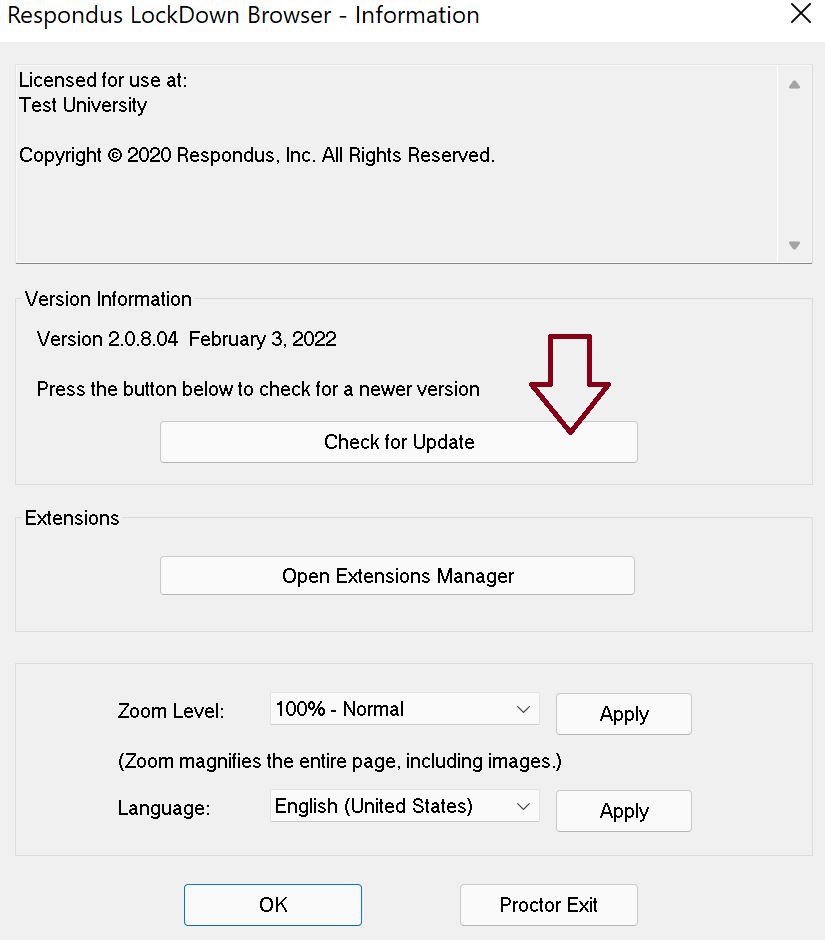
Step Three: In the information window, select Check for Update.
Method 2: Reinstall the Respondus LockDown Browser
If the in-app tool does not work or requires a fresh build: Please visit the related article posted below.
Student - How Do I Download the LockDown Browser?